StoneX · Stone inspection on iPad / Product design case study
Built around the report that gets stone replaced.
StoneX inspectors check the stone going into Dubai buildings. I designed their iPad app end to end, from paper sketches to the version in production: pin a defect on the floor plan, mark it on the photo, and generate the report a supplier acts on. Then I started the app's move from Flutter to React Native.
- Role
- Sole product designer · flows, UI, prototype, handoff
- Team & time
- With PIPRA's engineering team · 2025, migration 2026
- Platform
- iPad and web
- Status
- In production
- The problem
- Every defect an inspector logs has to become a formal report before a supplier replaces anything, and that loop was slow and manual.
- What I did
- Designed the app from paper sketches to production, rebuilt it when the client changed direction, then started its move from Flutter to React Native with Claude Code.
- The result
- In production: inspectors pin each defect on the plan, mark it on the photo, and generate the branded report from the same inspection, on iPad and web.
01 / The job
The report is the product.
StoneX inspects the stone going into Dubai buildings: marble, cladding, slabs. Every defect an inspector finds has to reach the supplier as a formal report, because that report is what gets faulty stone replaced, and getting it replaced is what StoneX is paid for. So the app was never just a way to record data. It had to produce the document that moves money and material.
- The question I started with
- Can an inspector record a defect?
- The question it became
- Will the supplier act on this report?
02 / On site
Used standing up, on an iPad, often in the sun.
Inspectors aren't at a desk. They're on a construction site holding a tablet, often in bright sun, often with one hand. That set the rules: an iPad-first layout, targets big enough to hit without precision, flows short enough to finish standing up, and photos captured inside the inspection rather than added afterwards.
I'd never inspected stone or worked on a site, so I started from what happens before and after the screen: where the inspector stands, who reads the report, and what the report has to make happen.
03 / Paper first
The flow was the hard part, so it started in pen.
I sketched the inspection sequence on paper first: how many taps it takes to log a defect, and where the photo fits. Only once the sequence held up did it become wireframes, then iPad frames, with a color palette and style guide set early so later screens stayed consistent.
04 / Decisions
Every screen judged by the report it produces.
01Templates, not blank forms
Starting an inspection: pick a template, and its questions come with it. - Evidence
- The same defect types come up on project after project, and an inspector on site shouldn't have to remember what to check.
- Decision
- Make templates a first-class object: build the checklist once and reuse it per project, so an inspection opens with its questions already there.
- Trade-off
- Someone has to build a template before the first inspection can start.
- Implemented result
- Every inspection starts from a template. Templates support nine field types and are reused across projects.
02Pin the defect on the floor plan
Points pinned on the plan, numbered the same in the list. Test data. - Evidence
- A finding is only useful if the supplier can tell which slab, in which room, it's about.
- Decision
- Place inspection points on the project's own floor plan. Drop a pin or draw an area, and tapping it opens that point's questions and photos.
- Implemented result
- Each finding is tied to a place on the plan, and the list beside it uses the same numbers as the pins.
03Mark the defect on the photo
A report page: the marked-up slab and the inspector's comments. - Evidence
- A note like “chip, lower left” is ambiguous by the time it reaches a supplier, and the report triggers a physical replacement.
- Decision
- Let the inspector mark the defect directly on the photograph, so the evidence and the claim are one image.
- Implemented result
- The marks travel into the report, beside the inspector's comments for that slab.
04Separate solo and team modes
- Evidence
- A lone inspector wants speed. A team needs roles, assignment and accountability.
- Decision
- Split the product into a single-user mode with no team controls, and a team mode with roles, so neither pays for the other's complexity.
- Trade-off
- Two modes to design and keep consistent.
- Implemented result
- Team mode has five roles, from Admin and Project Manager to Inspector and Document Controller, and single-user mode keeps everything else out of the way.
05The report is the destination, not an export
- Evidence
- Any gap between what the inspector approves and what the supplier receives costs real money.
- Decision
- Treat the report as the product's endpoint: branded and page-formatted, with a preview that can be edited before it's sent.
- Implemented result
- A manager picks the inspection points, generates a report they can see and edit as it will print, and exports a branded PDF.
05 / The client changed direction
The first version was rebuilt from the ground up.
Partway through, the client asked for a different approach for the whole product, not a tweak. Version 1, a workspace with a project tree in the sidebar, was replaced by Version 2: a home that starts with the main tasks and their counts, and separate single-user and team modes. I've kept the replaced work here, because it's part of how the product got right.
06 / One codebase
Then I started moving it to React Native.
In 2026 my CEO asked me to bring the AI coding I'd been using on side projects into the team. StoneX was built in Flutter, and the goal was one React Native codebase for iPad and web.
I started the migration with Claude Code in March 2026 and built its foundation: the design tokens and shared components, then login, the dashboard, projects, templates, users, inspections, the question form and the report screen. Because the designer was building the screens, they kept the design system they were drawn with. The engineering team took it from there through iOS and release, and the React Native version is the one in production now.
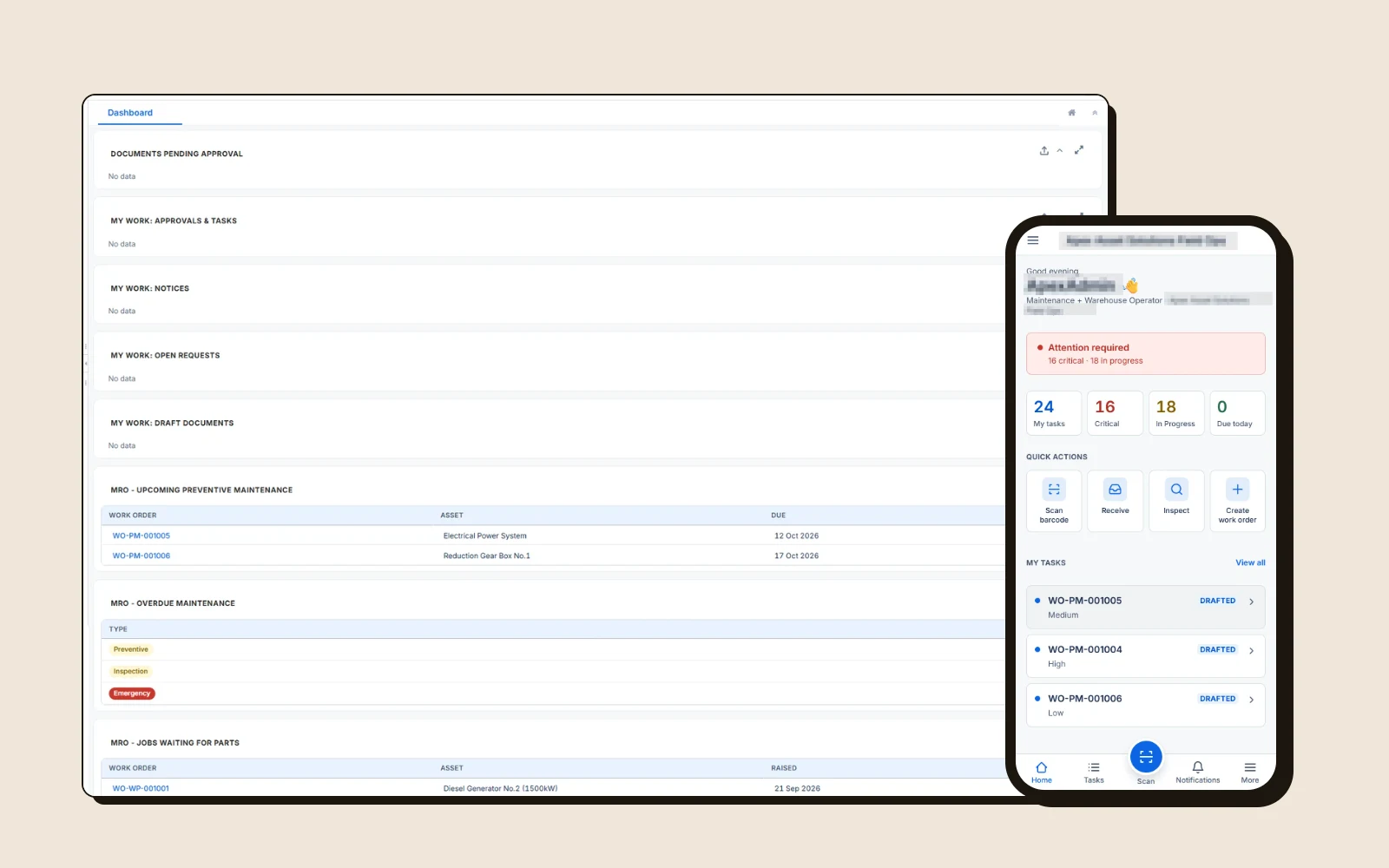
OptionalThe app in production
A project manager's home: four starting actions and live counts.
07 / How I worked
Weekly reviews, from Figma to build.
I was the only designer, working with PIPRA's engineering team and reporting to my manager. After handoff I stayed with the build: reviewing it every week, catching drift and reworking screens as feedback came in. The Figma file kept the record, page by page: wireframes, UI design, updated UI, prototype, and after feedback.
08 / Collaboration
I designed StoneX and started its migration. Engineering built and shipped it.
My contribution
- Studying the inspection job and its report
- Task flows, sketches and wireframes
- UI for both versions, on one style guide
- Prototype and developer handoff
- Weekly build reviews
- React Native migration foundation, with Claude Code
Engineering (PIPRA)
- Flutter app and iDempiere backend
- Plan canvas, offline sync and PDF export
- Completing the migration through iOS and release
Client
- Product direction
- Feedback on every round
09 / Status
In production.
- StoneX app
- In production, on the React Native version
- Flutter → React Native migration
- Shipped with the engineering team
Status as of October 2026.
10 / Learning
A good screen can still be the wrong product. Version 1 worked, and it was replaced because the client's understanding of their own work moved. The version in production is better because the design moved with it.
What I'd do differently
Put the flow in front of the client's inspectors earlier. Version 1 was built before the client's direction changed, and the whole UI was rebuilt; testing with the people who'd use it might have surfaced that shift sooner.
More case studies